
System overview
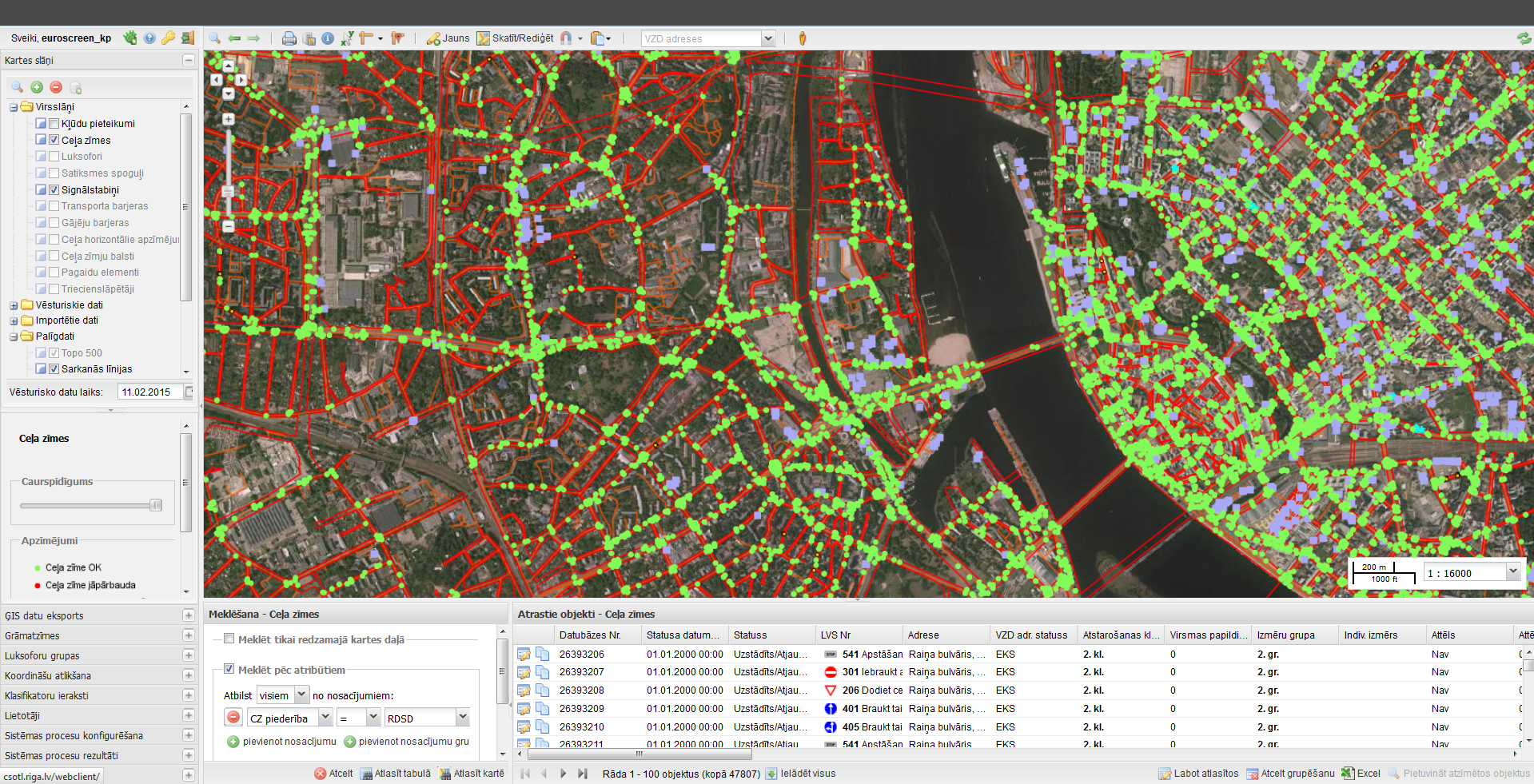
Main functionality:
- traffic control asset – drawing, editing, managing state (e.g., damaged, renewed), adding attachments, changing symbolization
- historical data (view map in any moment in history)
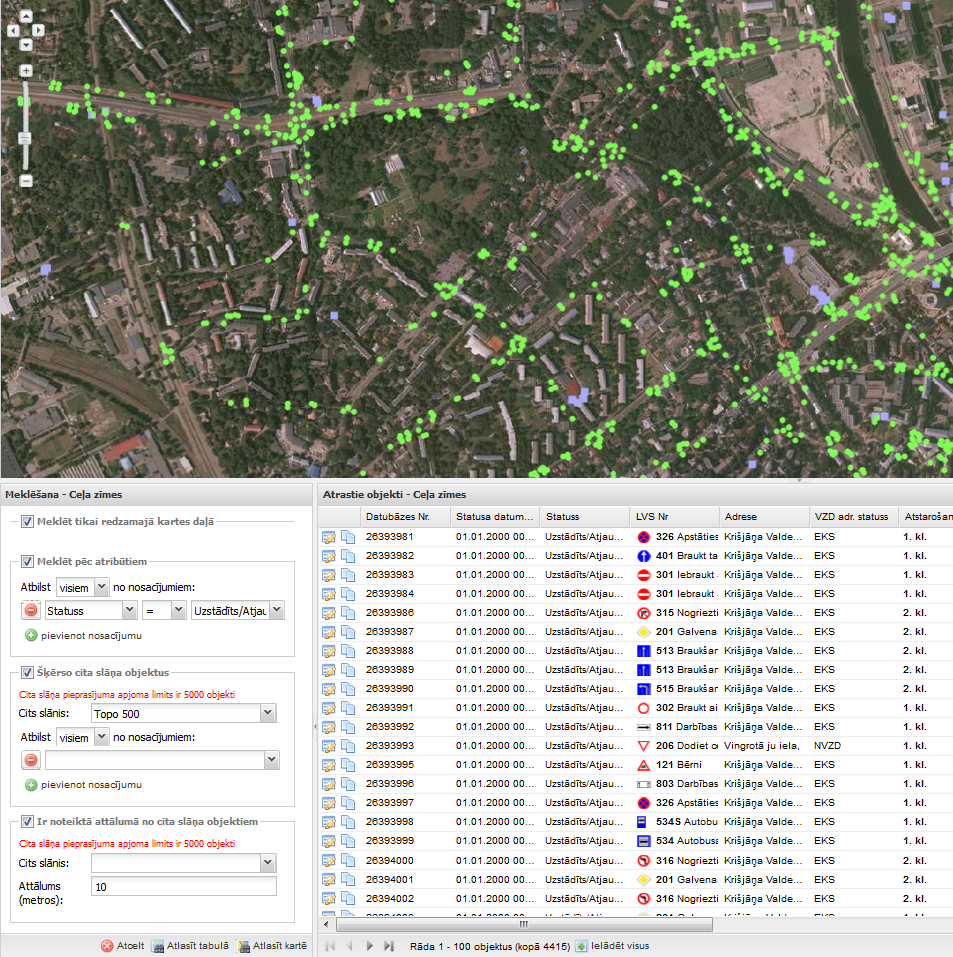
- cross layer spatial searches by multiple attributes in historical and current data
- import/export data from/to CAD (*.dwg, *.dxf, *.dgn v7 & v8) files
- powerful geometry editing tools (e.g., snapping, drawing direction (e.g. road sign direction), multigeometry editing, copy/paste)
- specific print sizes (e.g., A4x20 to print whole street) and layouts
- administrative tools (e.g., manage users with roles, batch processes (to renew background data), manage help)
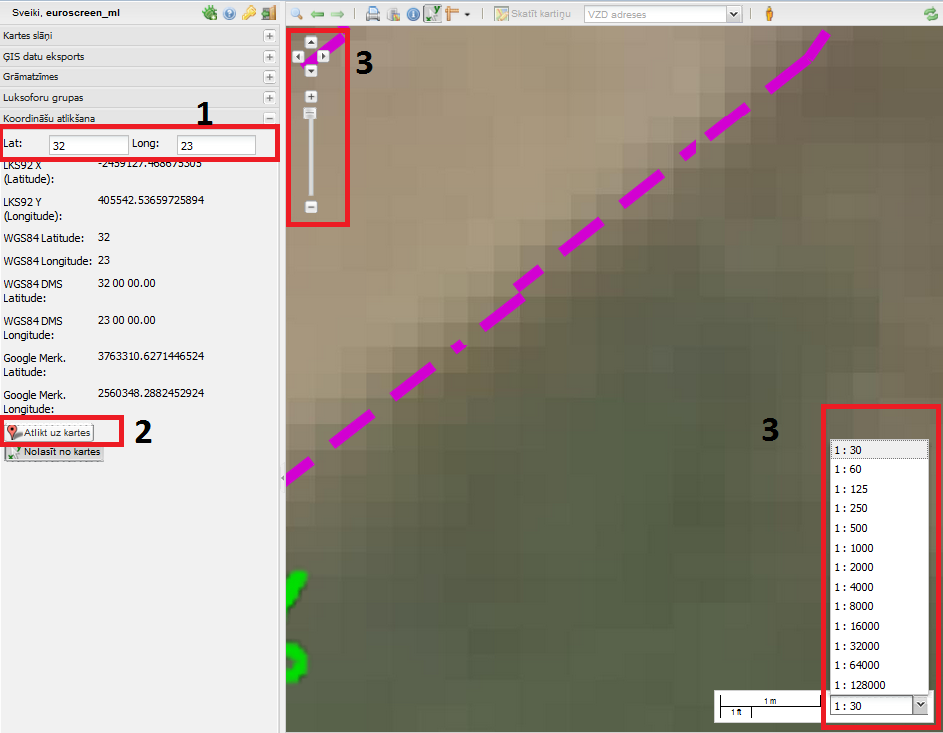
Coordinate reading
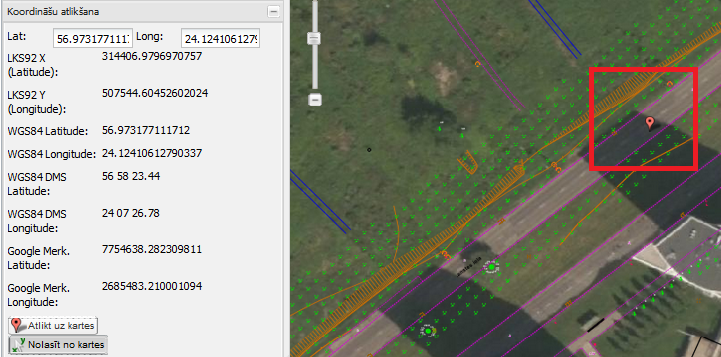
- Coordinates can also suspend the map.
Geometry visualization
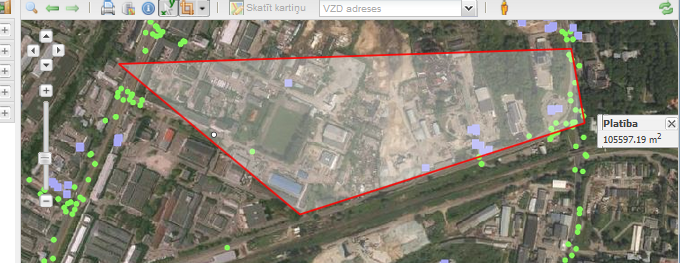
- Measure
 – pressing a button on the map can measure distance or area:
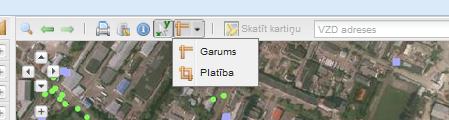
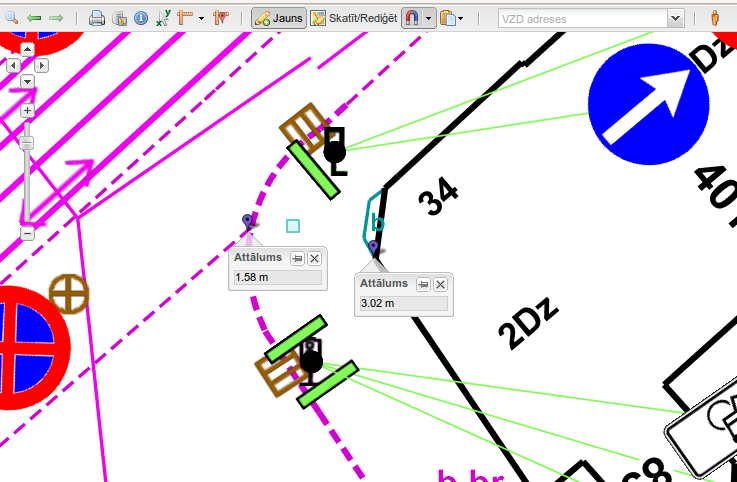
- Length – point-to-point.

- Area

Receiving different distances depending on the mouse position  .
.
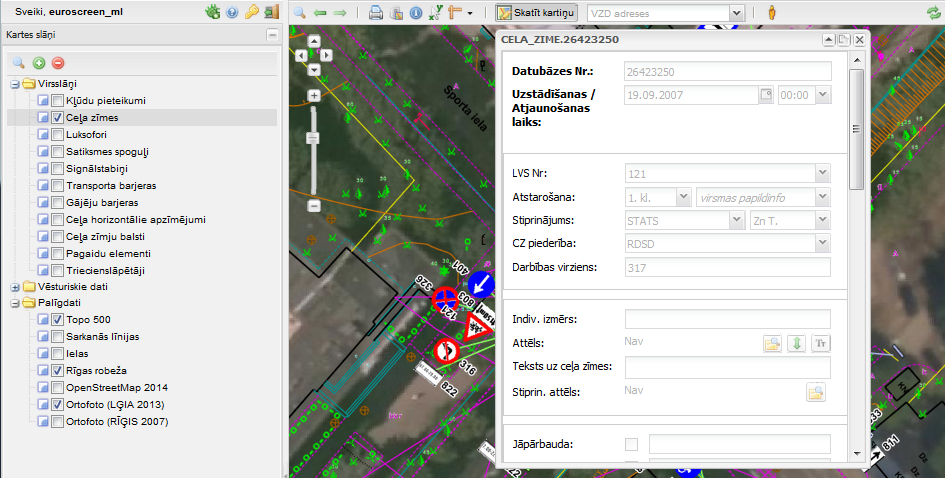
Object visual data editing
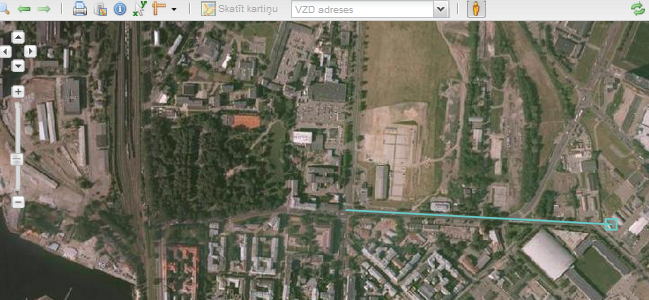
The state land service addresses visualization

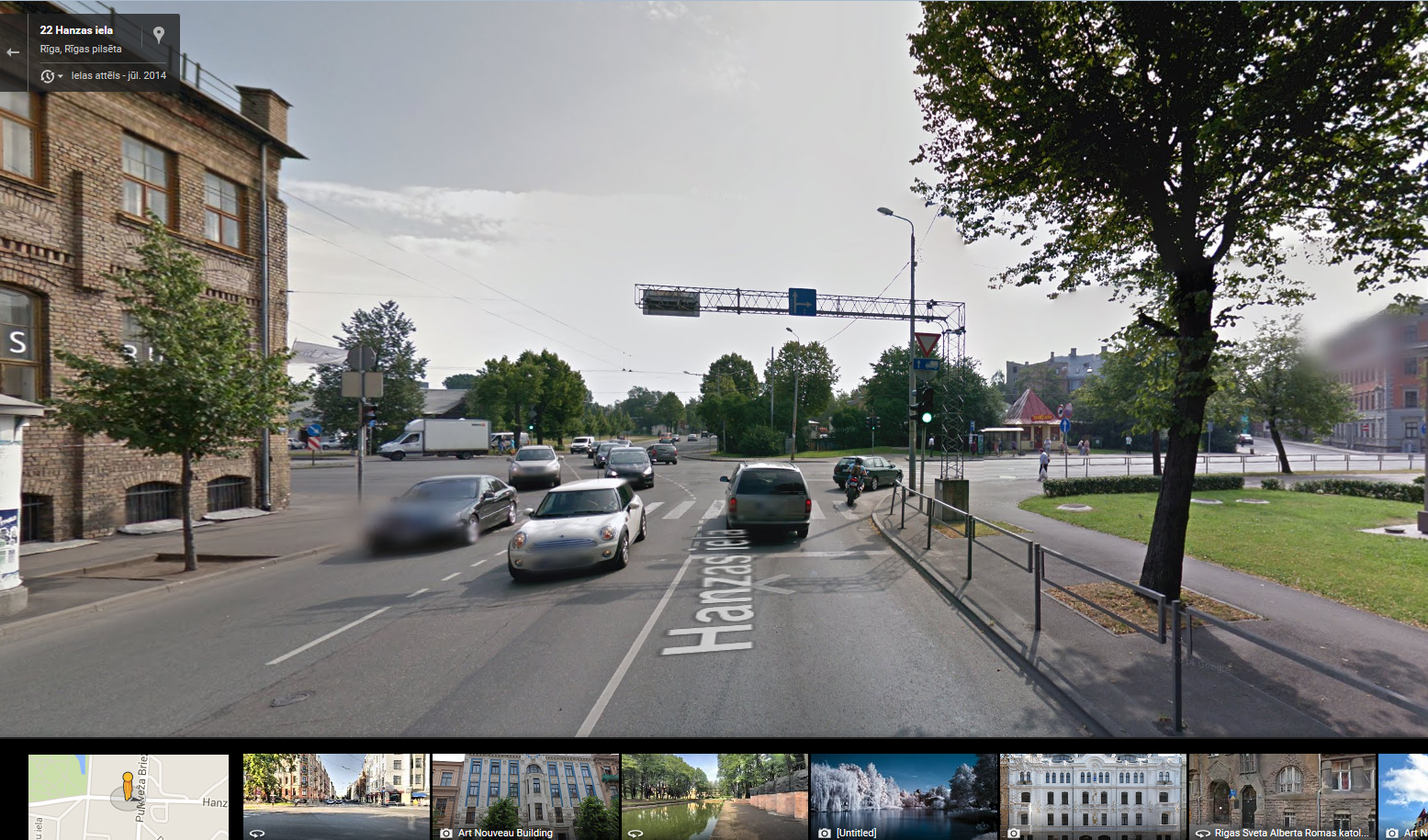
Check GoogleStreetView images possible using the button  ,
,
“GoogleStreetView” visualization system:
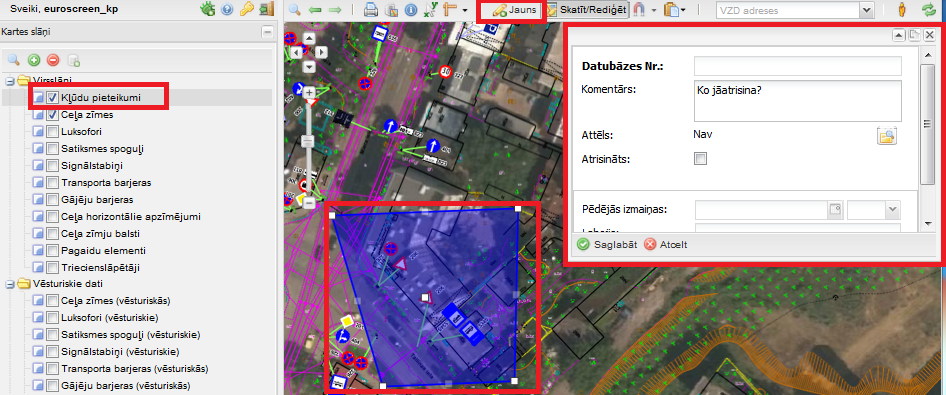
System error report
GIS data exsport
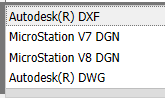
Some of the data formats:
GIS data import
Import conditions and error visualization system
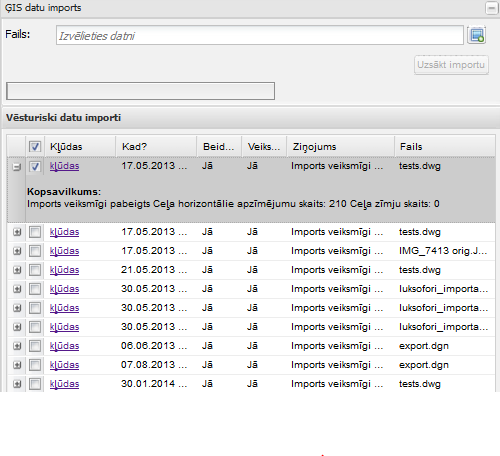
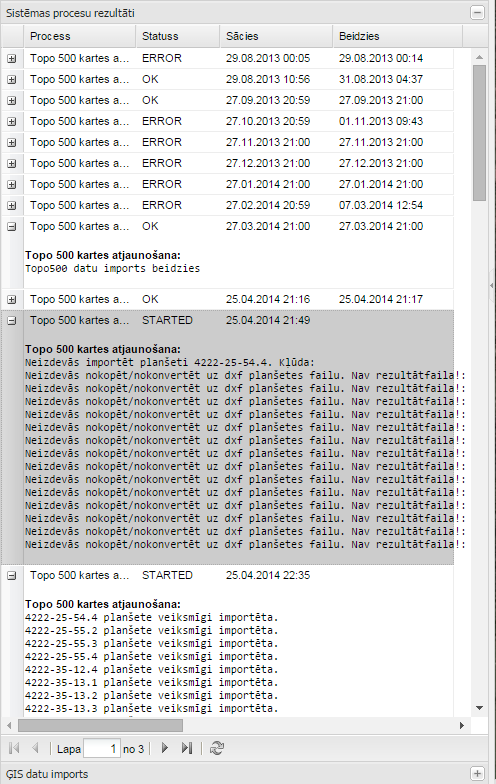
System process results
Bookmarking
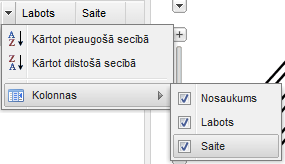
List of bookmarks is the column “Name”, “Corrected” and “Link”. “Corrected” show bookmarks change in time, but the “Link” is a hyperlink that opens a saved map page in a new tab.
Print formation
Map of the Plan is ensured prints (including legend) Preparing PDF format.

Searching
The system is provided with geospatial data searches by land unit addresses the object identifier, etc. geospatial object attribute values.
© 2015
OPEN GIS SOLUTION